 DogByte by KalisPro
Live alerts with a graphic
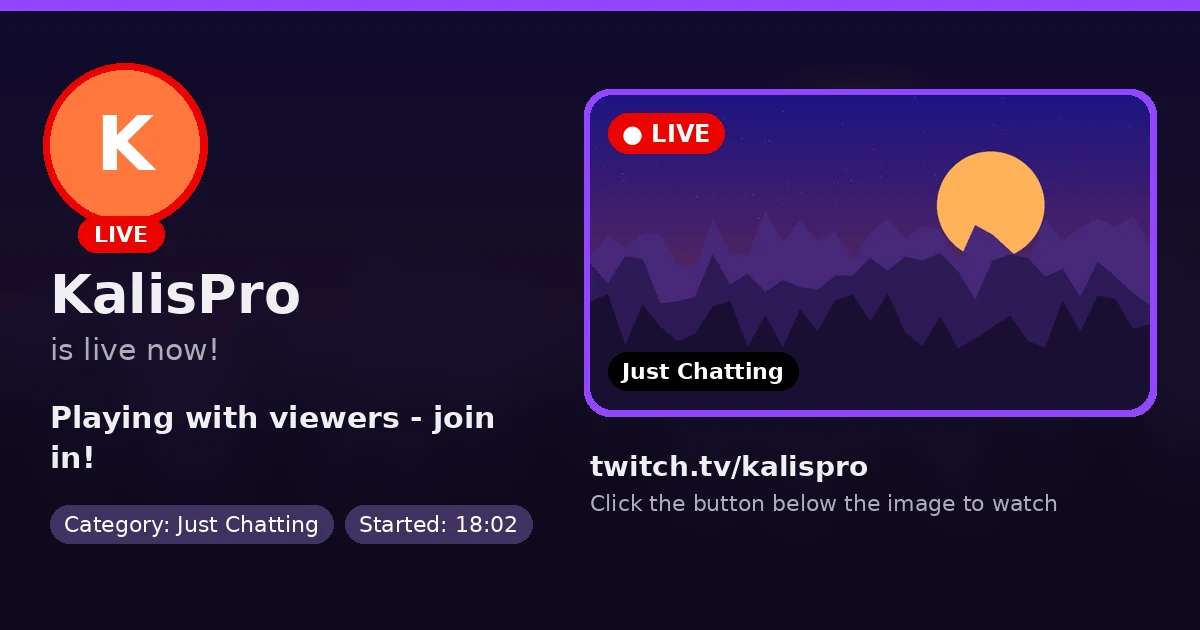
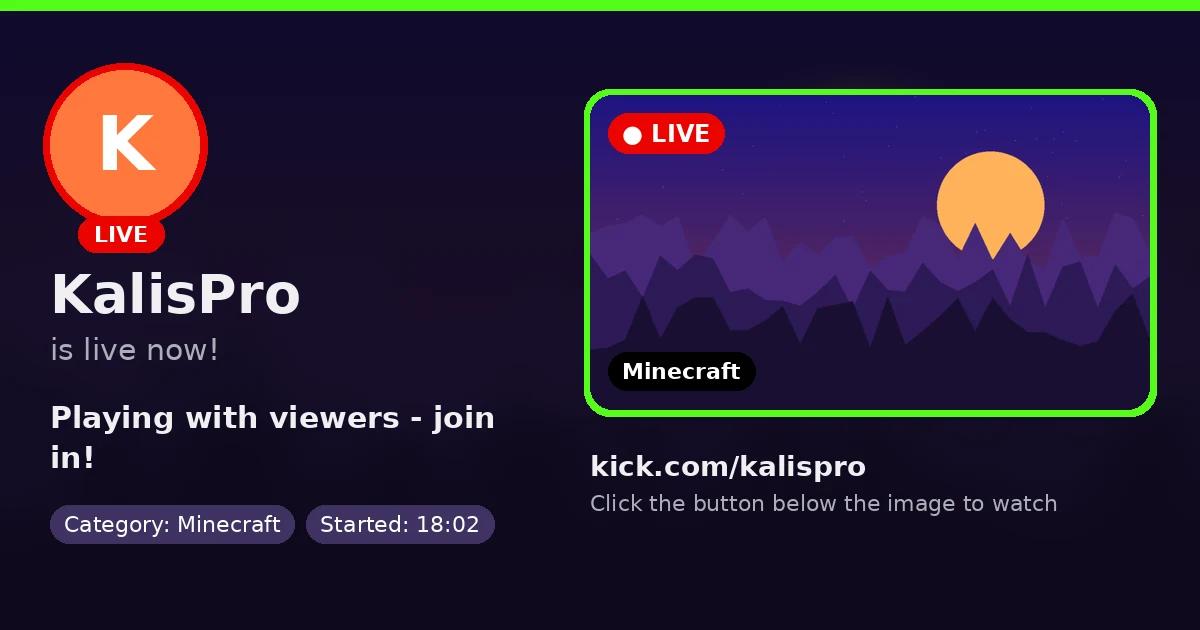
When you go live the bot posts a graphic with your avatar, a frame from the stream, the title and the category. A button underneath leads straight to the broadcast.
- Twitch
- TikTok
- Kick
DogByte announces your streams from Twitch, TikTok and Kick, runs your weekly schedule, sums up your streams and spots free games. You set it all up with commands in Discord or in the web dashboard.
One bot instead of several. You turn each feature on separately and set it up for your own server.
When you go live the bot posts a graphic with your avatar, a frame from the stream, the title and the category. A button underneath leads straight to the broadcast.
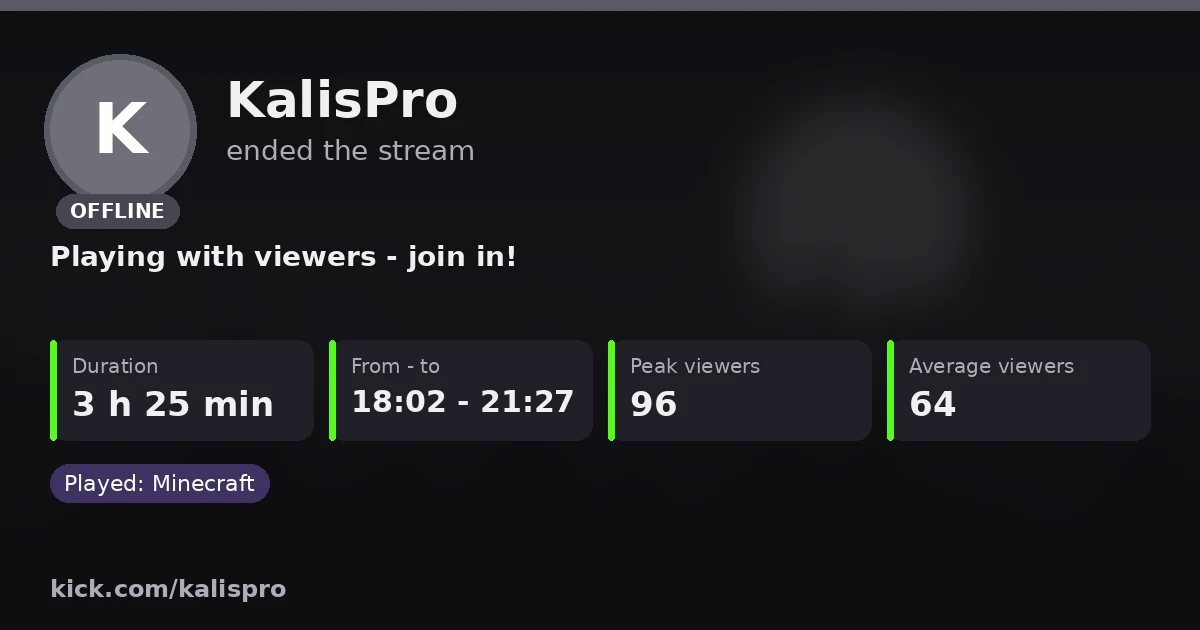
The same alert turns into OFFLINE: duration, start and end time, peak and average viewers, and the categories you played.
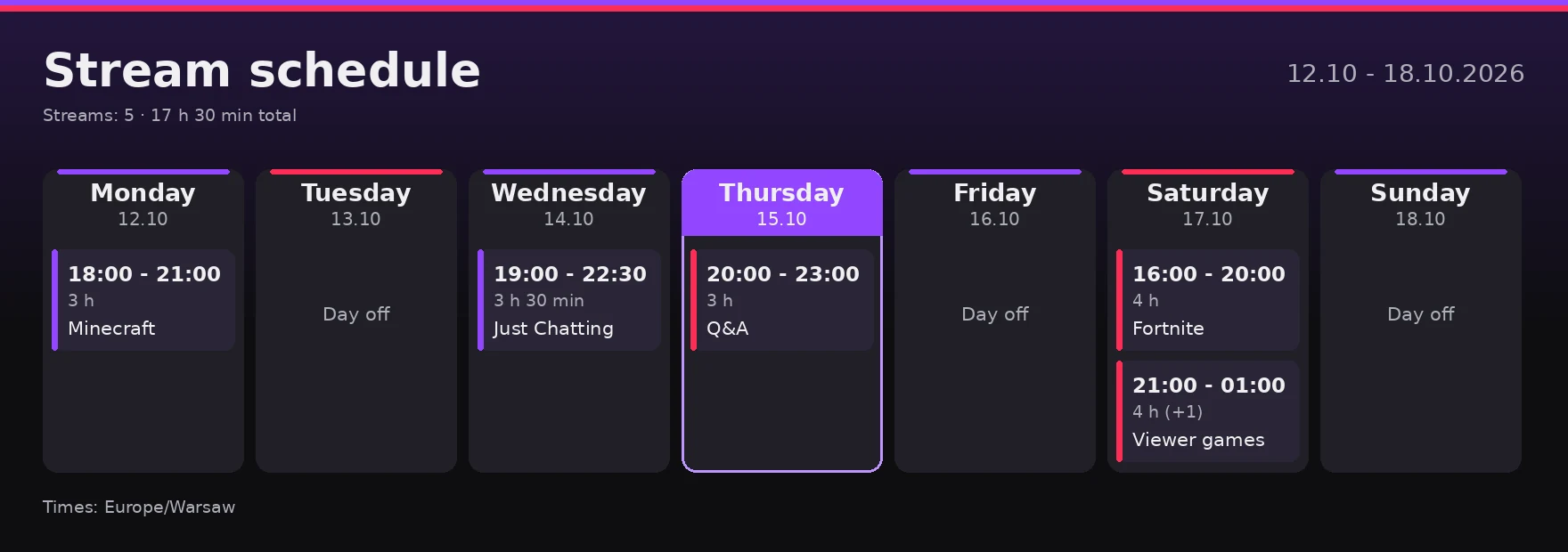
Watch a Kick live alert turn into a summary when the stream ends.Enter your streams and the bot draws the schedule graphic and posts it. Each day it highlights today, and before every stream it can mention a role, from 15 minutes to 6 hours ahead.
Add a stream to the plan and see the reminder before it starts.New Twitch and Kick clips and new TikTok videos land in your chosen channel by themselves, with a thumbnail, title and view count.
See a TikTok LIVE alert, the summary after it and a new video post.Only full games you keep. You pick the platforms and the link leads straight to the game in its store.
See free games and deals land in their channels, without spam.Set a price limit and how popular games must be. The bot posts only the cheapest offer for a game and does not repeat it unless it clearly gets cheaper.
On Mondays and on the first of the month the bot posts a graphic: number of streams, total time, viewers and your most played categories.
See the Monday summary of last week's streams arrive by itself.The /check command goes through every configured channel and role and tells you plainly what is missing before something fails to arrive. When you give the bot access to a channel, it adds the rest of its channel permissions by itself.
Set the message language per server with /language. With DogMate on the same server, both bots share one language: change it in either and the other follows. You can preview every alert with the show command before your viewers see it.
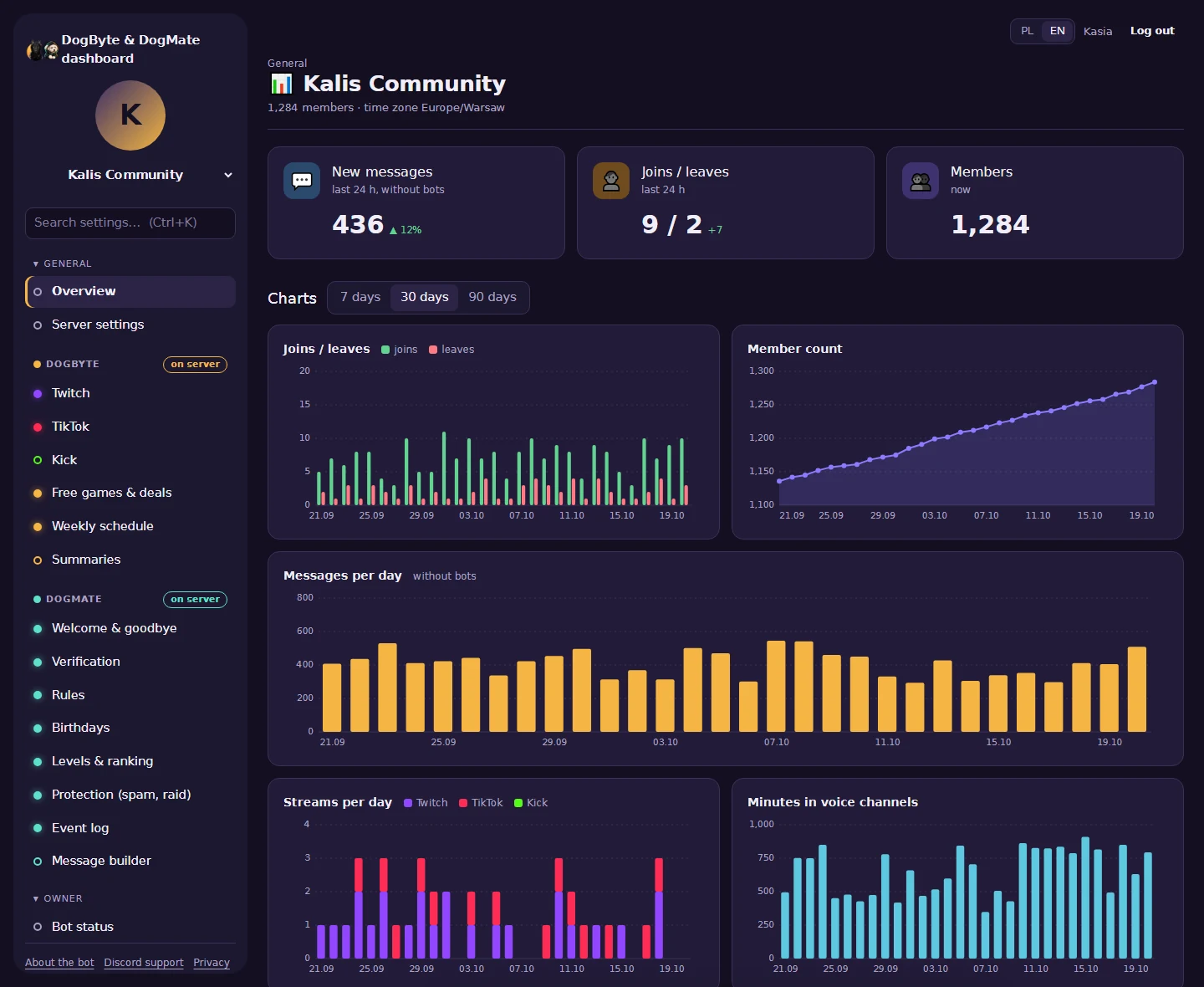
Streams per day on Twitch, TikTok and Kick on a chart for 7, 30 or 90 days. Next to every module you see whether it works or needs attention, and one bar saves all your changes.
Connect the free LiveEcho app with a code from the dashboard: your schedule shows up in its captions, alerts go out faster, Kick follows reach its alerts with usernames and you get a summary after the stream.
Connect LiveEcho step by stepA free link page for your community: Twitch, TikTok, Kick, YouTube and your own links with service logos, a LIVE badge while you stream and your next streams from the schedule. You see views and clicks on a chart in the dashboard.
Connect your Twitch account in the dashboard and the streams from your weekly schedule land in the schedule on your Twitch channel too. You plan once, in one place.
Set up the Twitch schedule syncThese are real graphics generated by the bot, with sample data. The bot sends them in Polish or English, depending on your server setting.
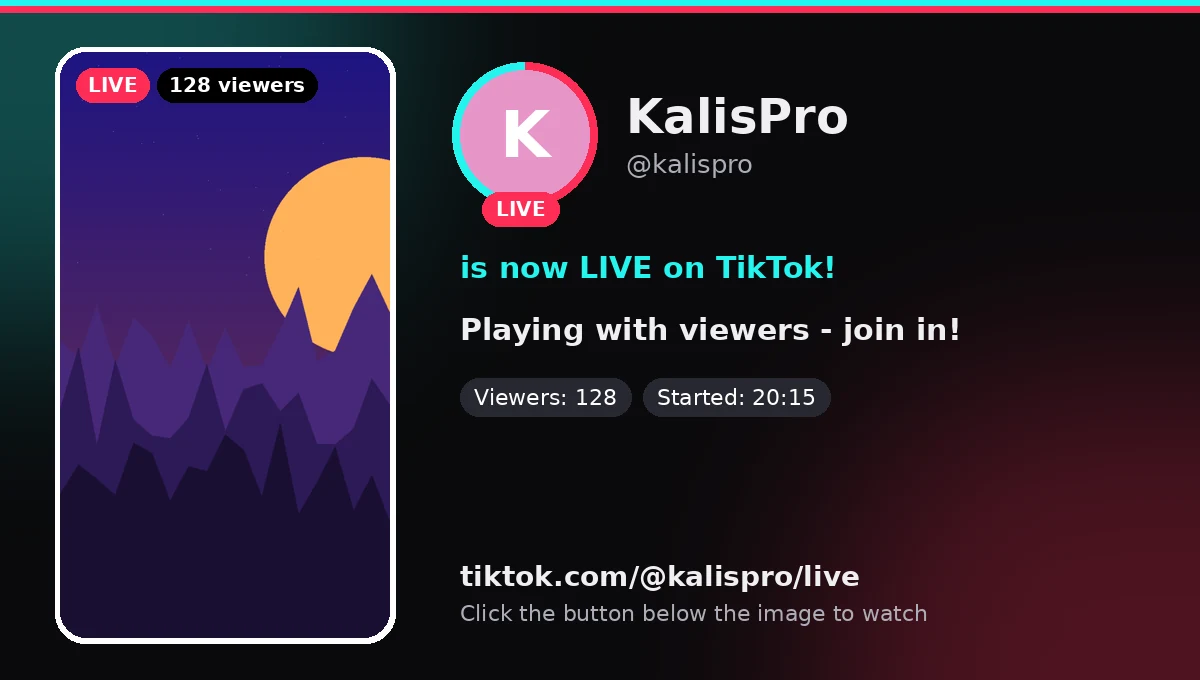
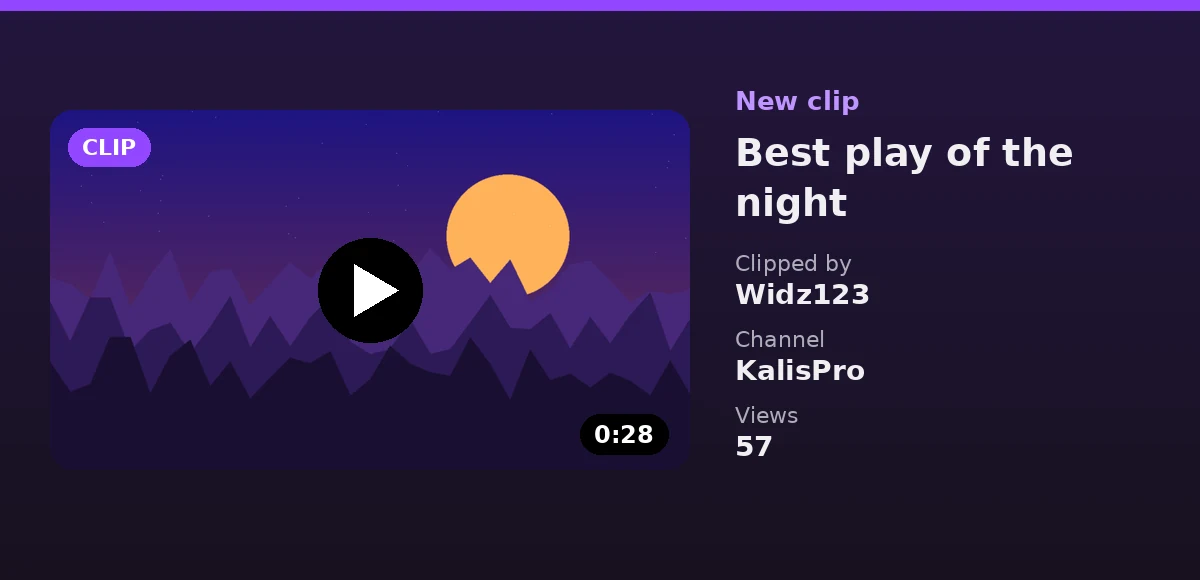
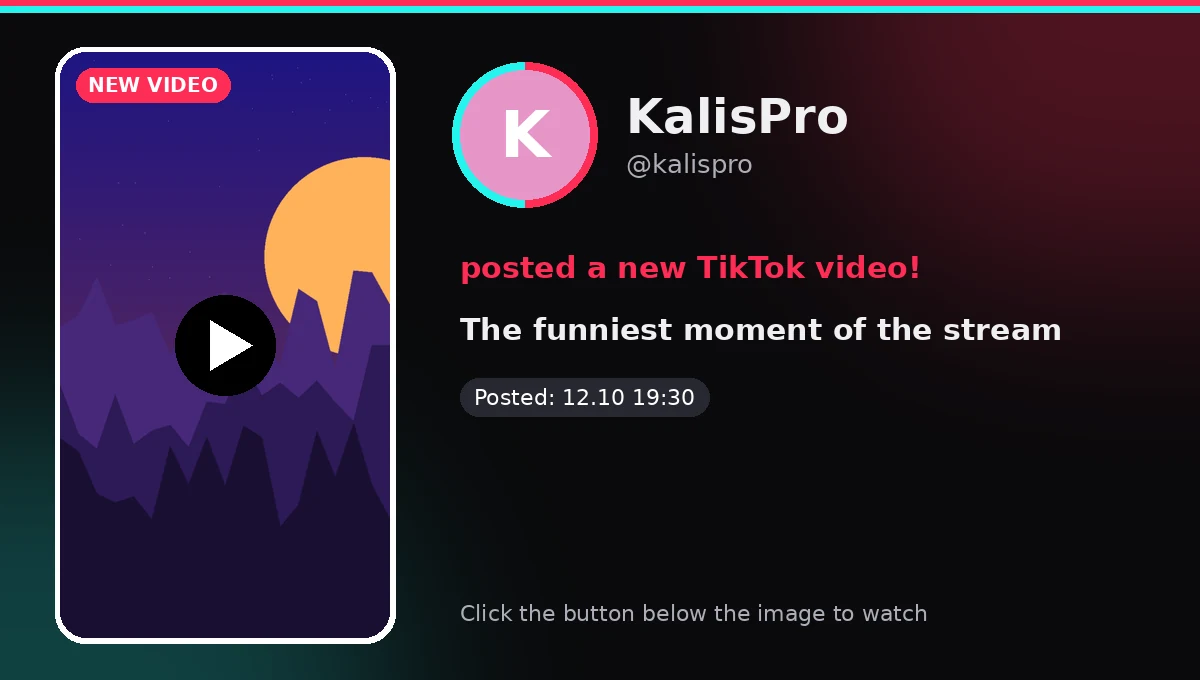
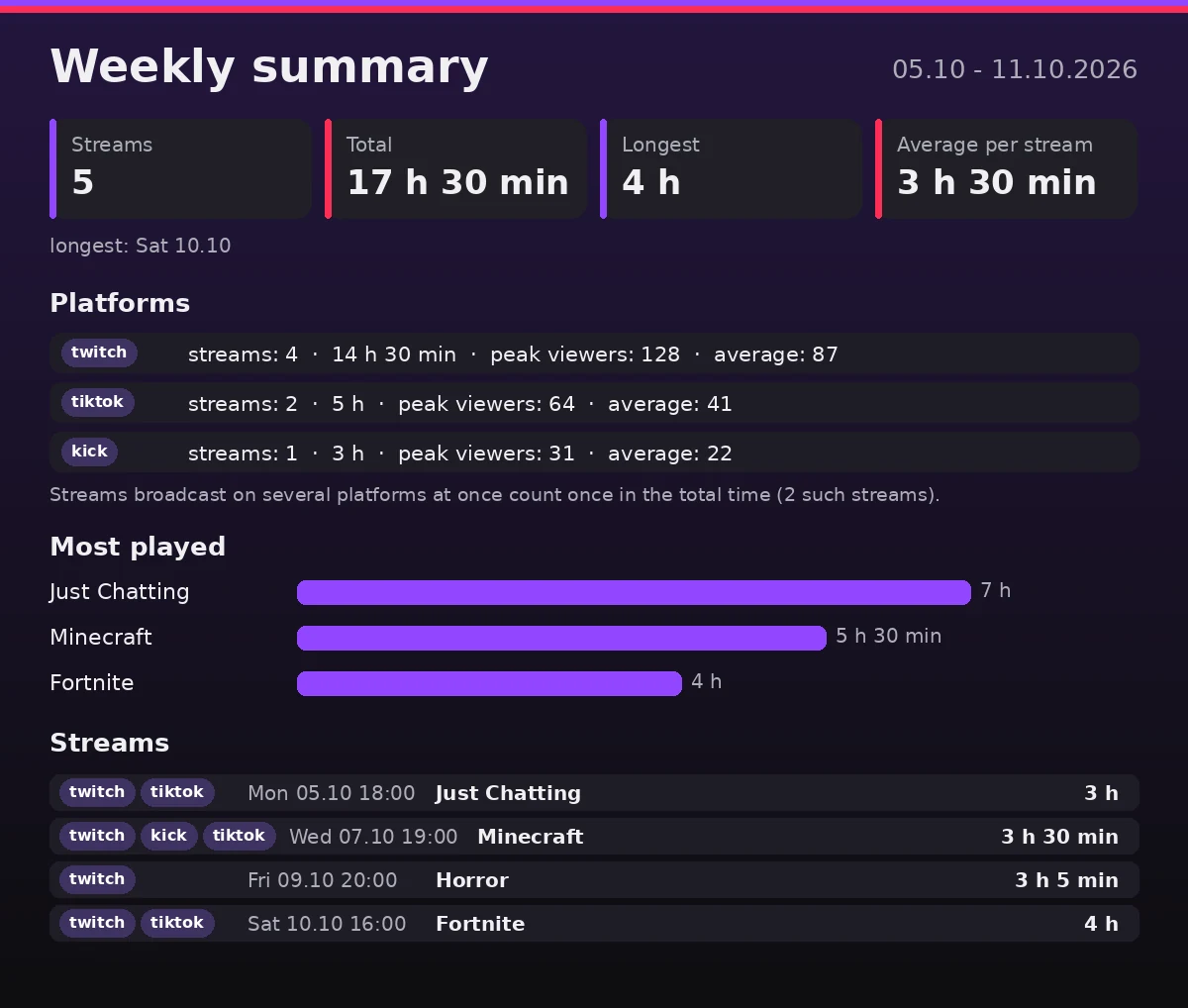
One dashboard for DogByte and DogMate at panel.kalispro.uk. Log in with Discord, pick a server and set everything on one page. Screenshots with sample data.
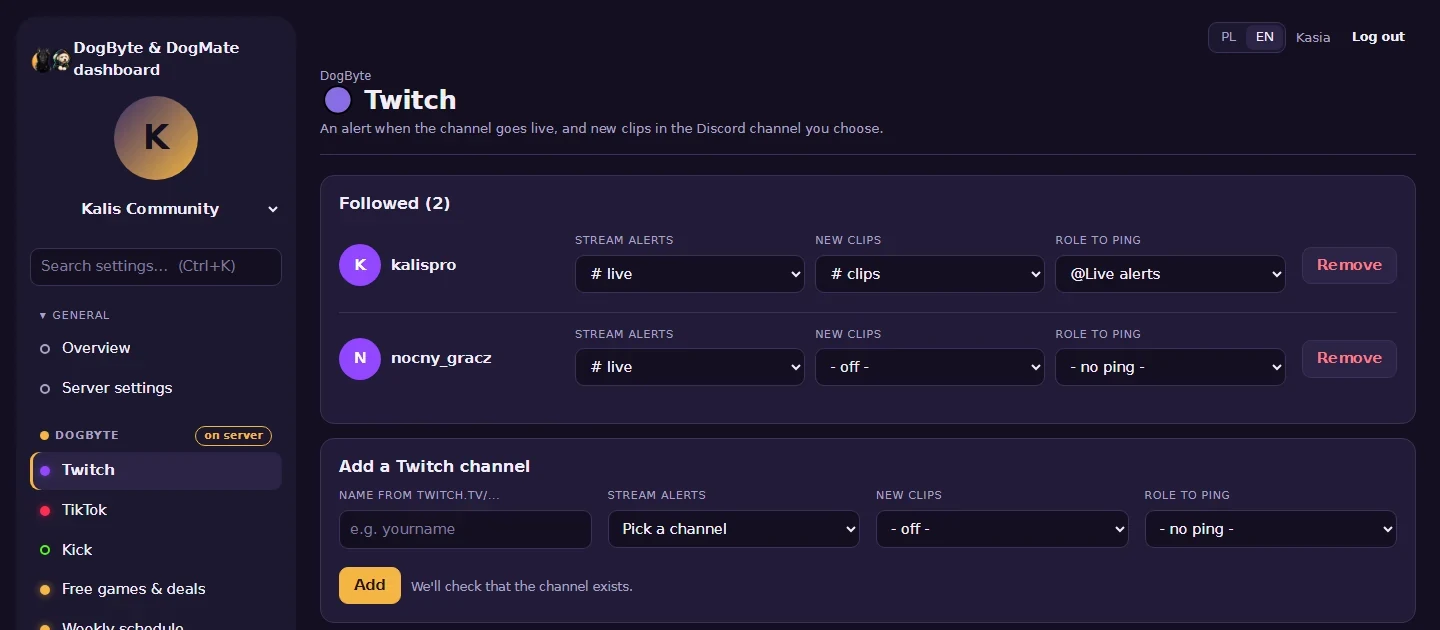
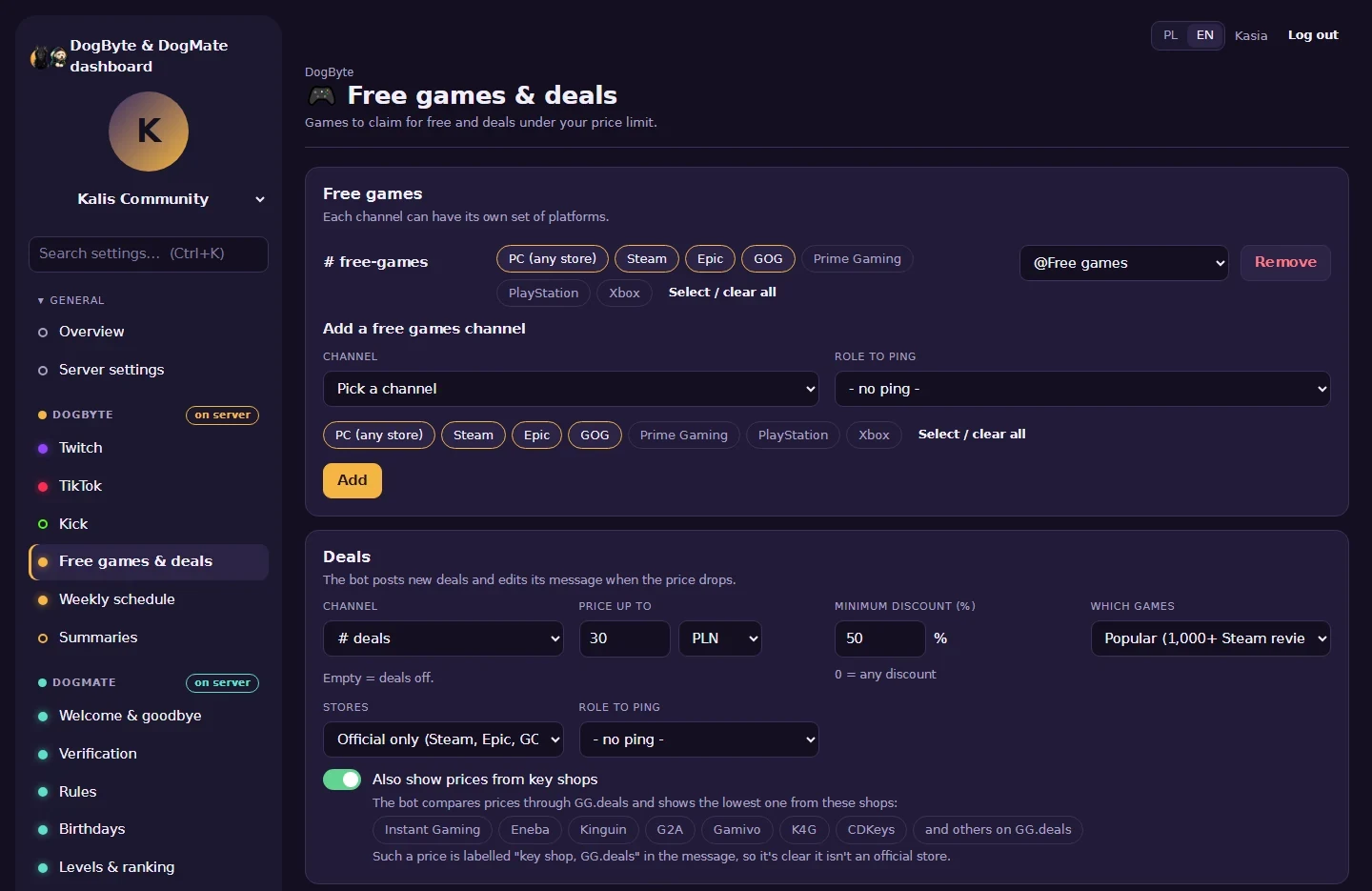
Type a slash in Discord and the bot suggests the parameters. You can change the same settings in the web dashboard. Only people with the Manage Server permission see the commands and the dashboard.
/twitch addTwitch channel, alert channel, clips and the role to mention./tiktok addTikTok profile: live alerts and new videos./kick addKick channel with LIVE and OFFLINE alerts./schedule addA stream in the weekly schedule: day or date, hours and title./schedule postPosts the schedule graphic and sets the ping before each stream./deals freeChannel for free games and the platforms to follow./deals promoDeals: price limit, popularity and stores./summary setupAutomatic weekly and monthly summaries./checkChecks the bot's permissions on configured channels./languageThe bot's message language: Polish or English./twitch add, /tiktok add or /kick add./check command confirms the bot has every permission it needs.Short walkthroughs to get everything set up in a few minutes.
Communities that chose to be listed. Admins can switch this on in the dashboard, on the Overview page.
Yes. The bot is free for every streamer, with no subscription and no paid features.
Add it to your server with the button on this page, then set everything with slash commands in Discord, for example /twitch add, /schedule add or /deals free, or in the dashboard at panel.kalispro.uk after logging in with Discord. The commands and the dashboard need the Manage Server permission.
Twitch, TikTok and Kick. Each one can have its own Discord channel and its own role to mention.
View channels, send messages, embed links, attach files and read message history. It does not ask for administrator permissions. The /check command shows if anything is missing.
No. You choose the role it mentions when a stream starts. For free games and deals the role is mentioned at most once every 12 hours, and you can change that gap.
From official stores including Steam, Epic Games Store, GOG, Ubisoft and EA. Free games are full games you keep, with no DLC, demos or free weekends.
Yes. The /language command sets the bot's message language for your server: Polish or English.
On the official DogByte Support Discord server. Ask a question, report a bug or suggest a new feature there.
For streamers small and large. If the bot helps you, you can buy me a coffee.