 DogByte by KalisPro
Every week, a recap of your streams
On Monday morning DogByte posts a graphic with last week's streams, and on the 1st of the month one for the whole month: how many streams, how many hours, viewers and the most played games.
- weekly summary
- Monday
- monthly summary
- 1st
- platforms counted
- 3
See the Monday summary of last week's streams arrive by itself.
In the dashboard
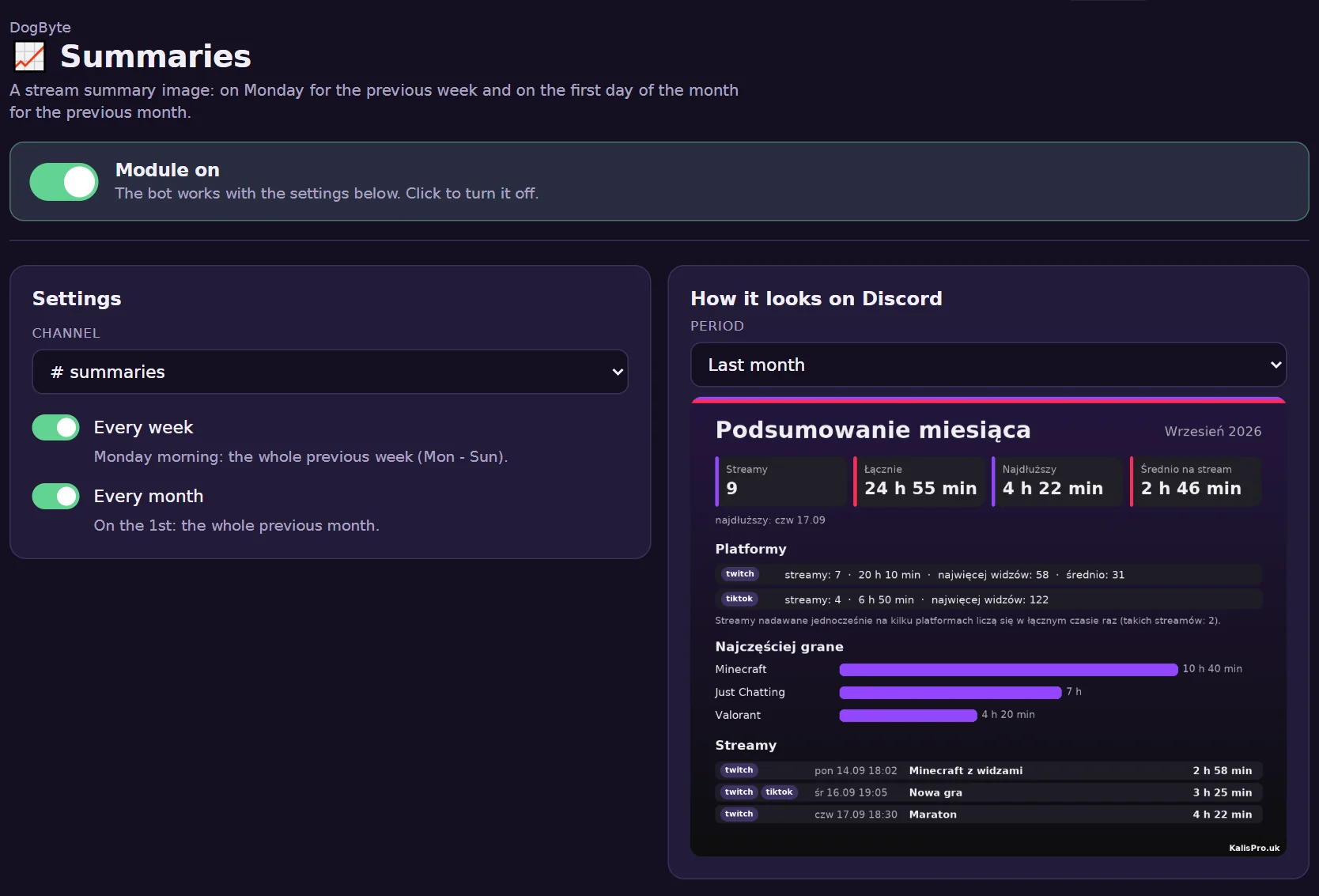
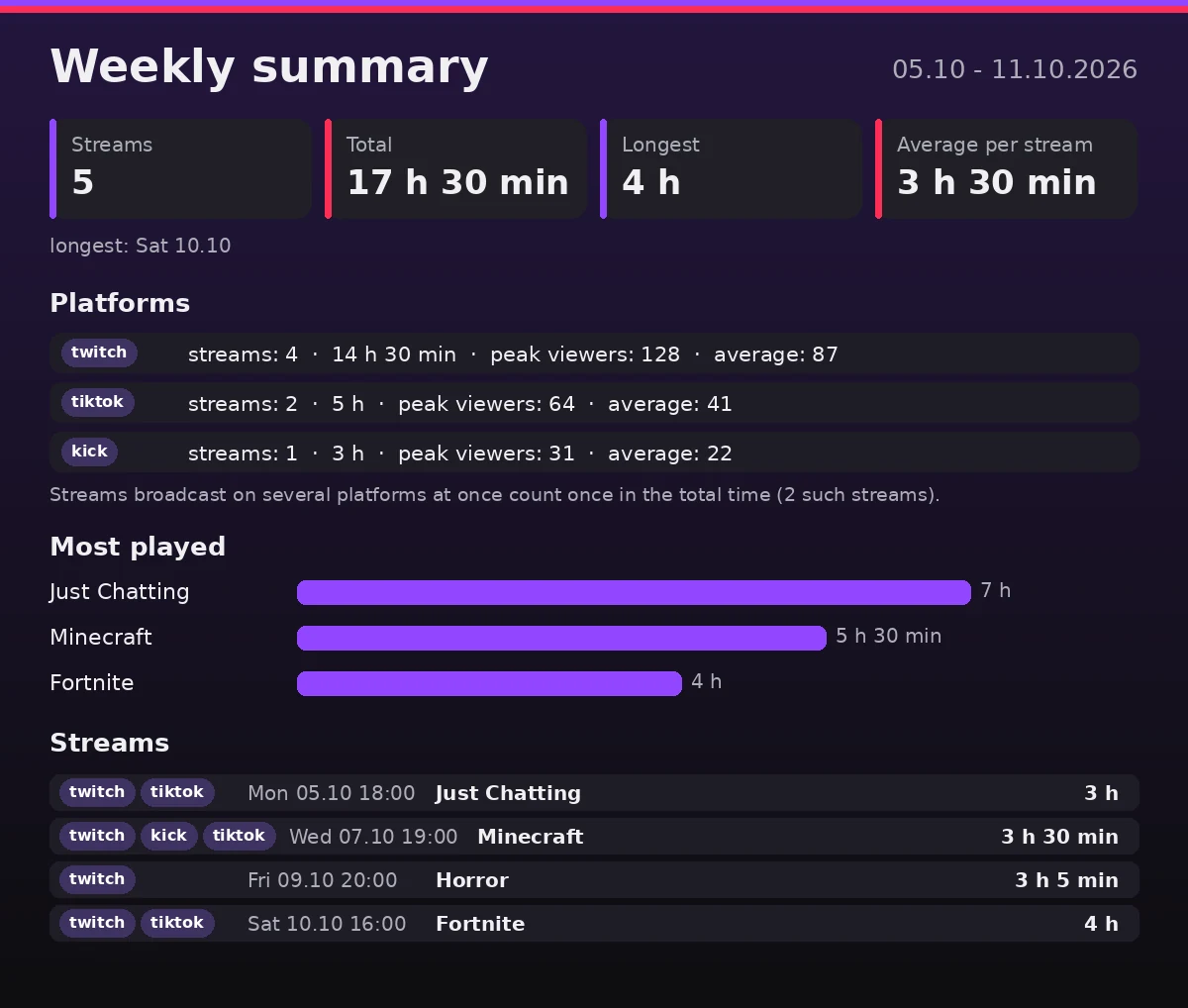
What it can do
- Streams and hoursNumber of streams, total time, the longest stream and the average.
- Every platformTwitch, TikTok and Kick, with peak and average viewers.
- Most playedGames and categories with the time spent on each.
- No double countingStreams on several platforms at once count once in the total time.
- Week and monthTurn on one or both.
- A previewSee the summary in the dashboard before it goes out.
How to set it up
- Open SummariesTurn the module on in the dashboard.
- Pick the channelThe summaries go there.
- Choose week, month or bothThe first one comes on the next Monday or the 1st.
Commands
/summary setupAutomatic weekly and monthly summaries.
Questions
Where does the data come from?
From the streams DogByte announced: start, end, viewers and categories.
What if there were no streams?
The summary says there were no streams in that period.
Can I get a summary now?
Yes. In the dashboard you can see a summary of this or the previous week or month.
Other features
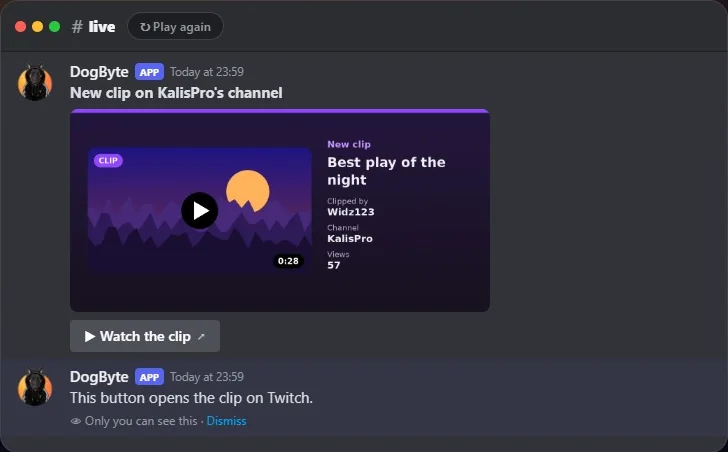 TwitchWatch the alert turn into a summary when the stream ends, then a new clip arrives.
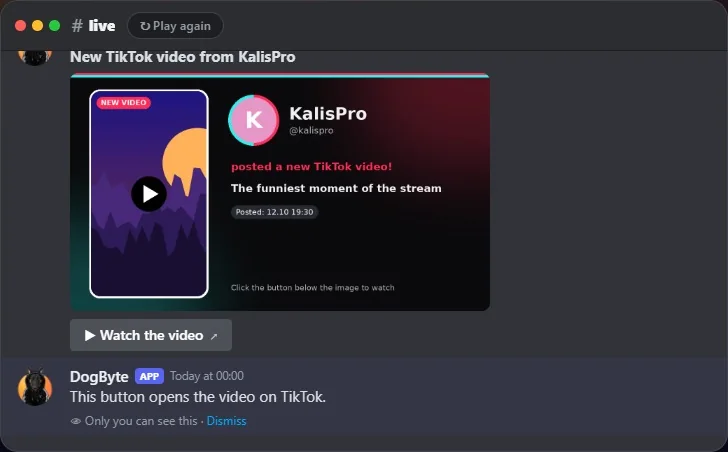 TikTokSee a TikTok LIVE alert, the summary after it and a new video post.
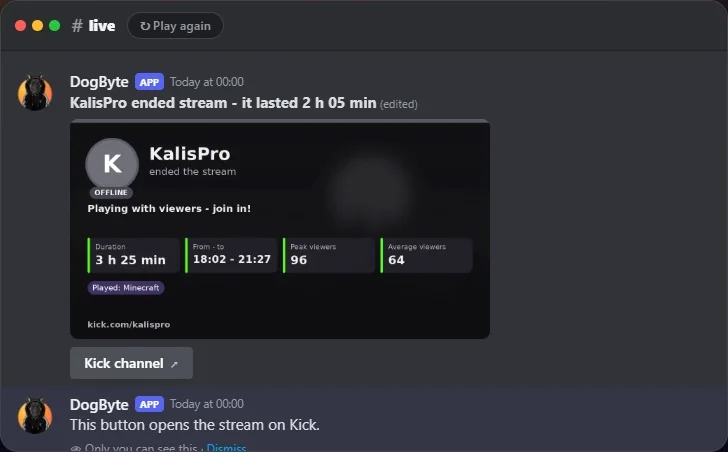 KickWatch a Kick live alert turn into a summary when the stream ends.
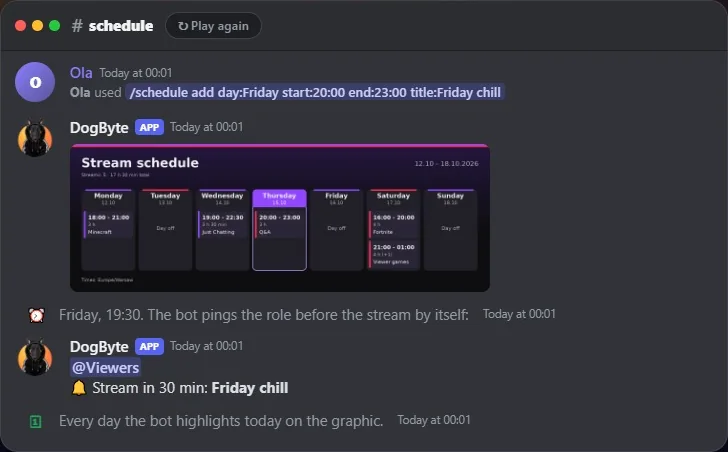 Stream scheduleAdd a stream to the plan and see the reminder before it starts.
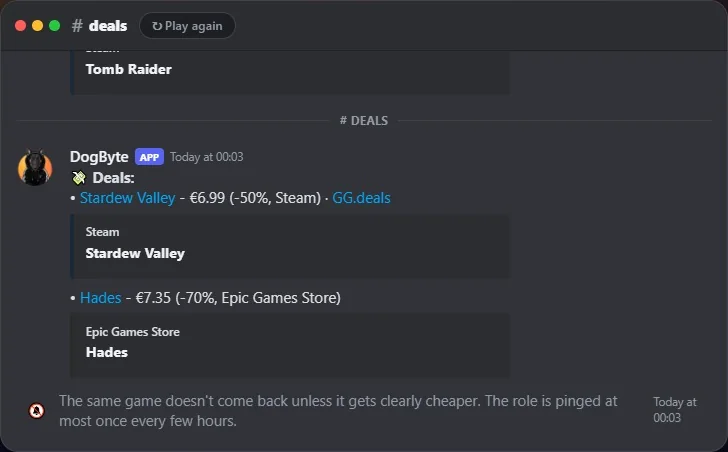 Free games and dealsSee free games and deals land in their channels, without spam.