 DogByte by KalisPro
Your viewers know the moment you go live
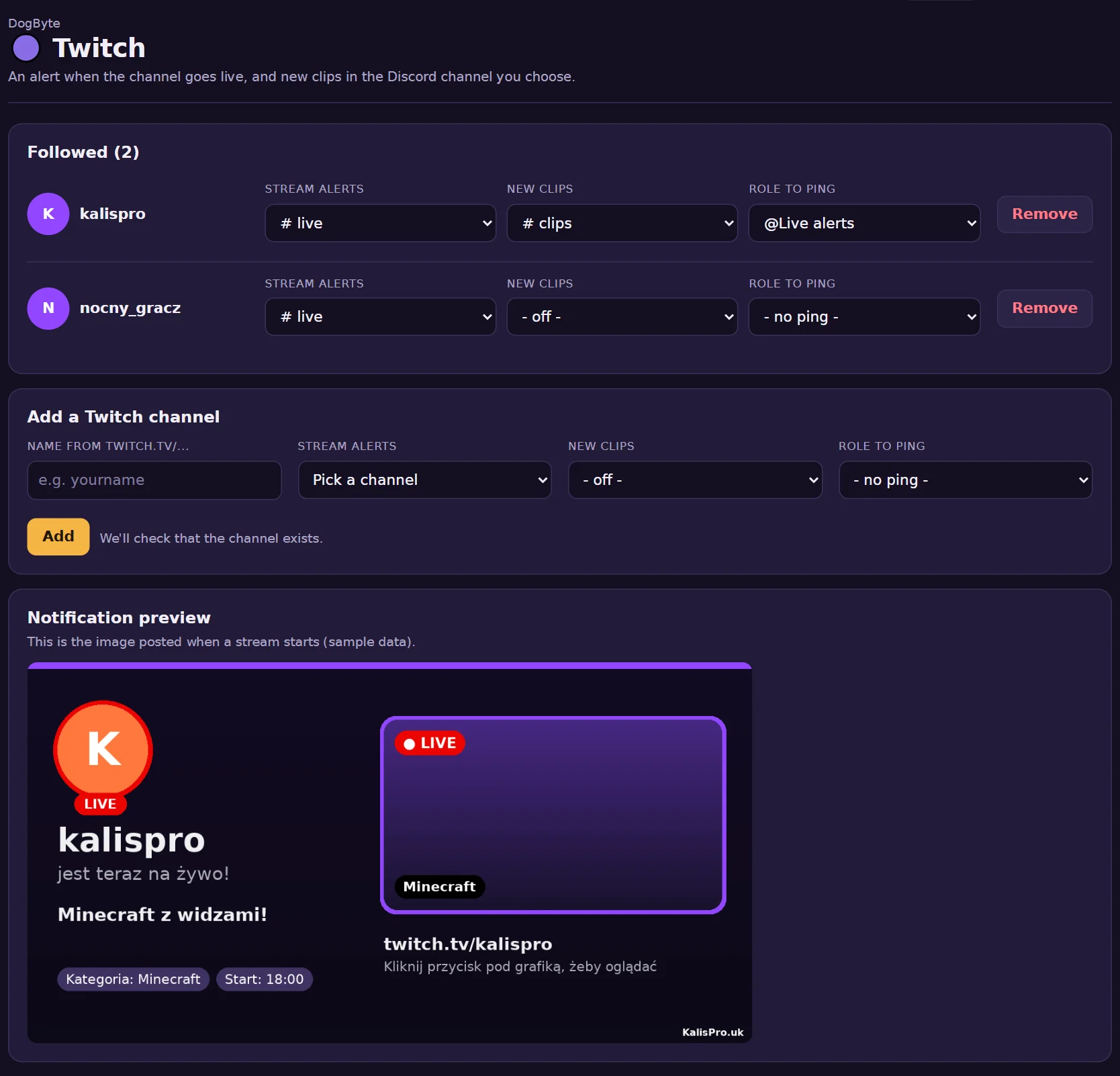
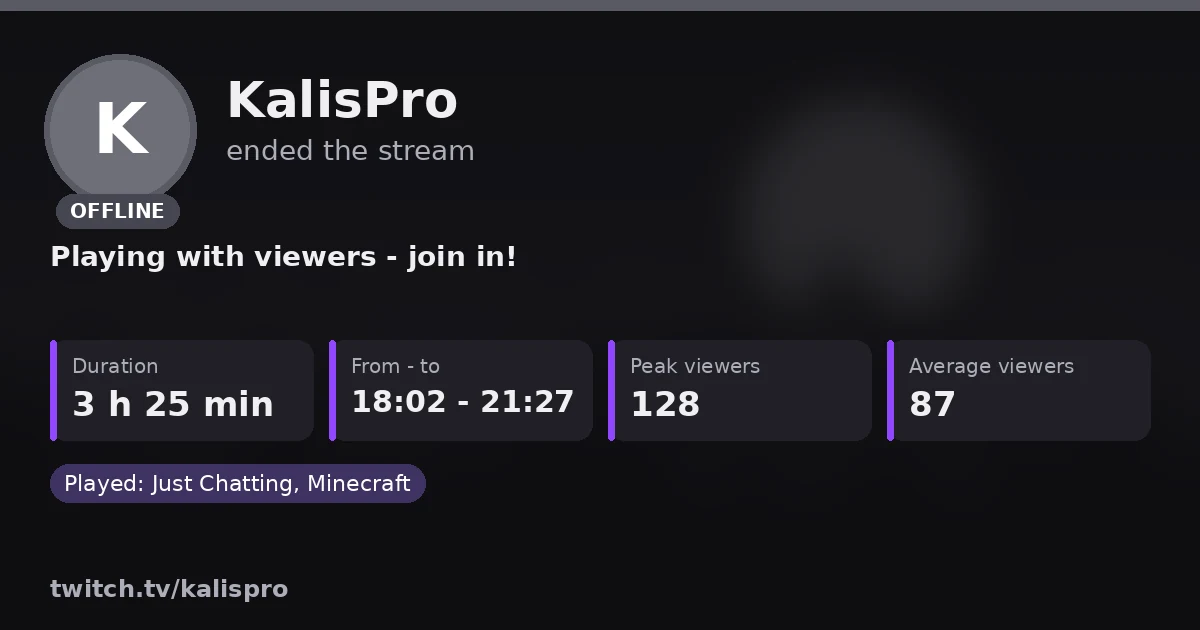
When you start streaming on Twitch, DogByte posts a graphic with your avatar, a frame from the stream, the title and the category, with a Watch button. After the stream the same message becomes a summary.
- live alert, then the summary
- 1 message
- Twitch channels
- as many as you like
- graphic language
- PL/EN
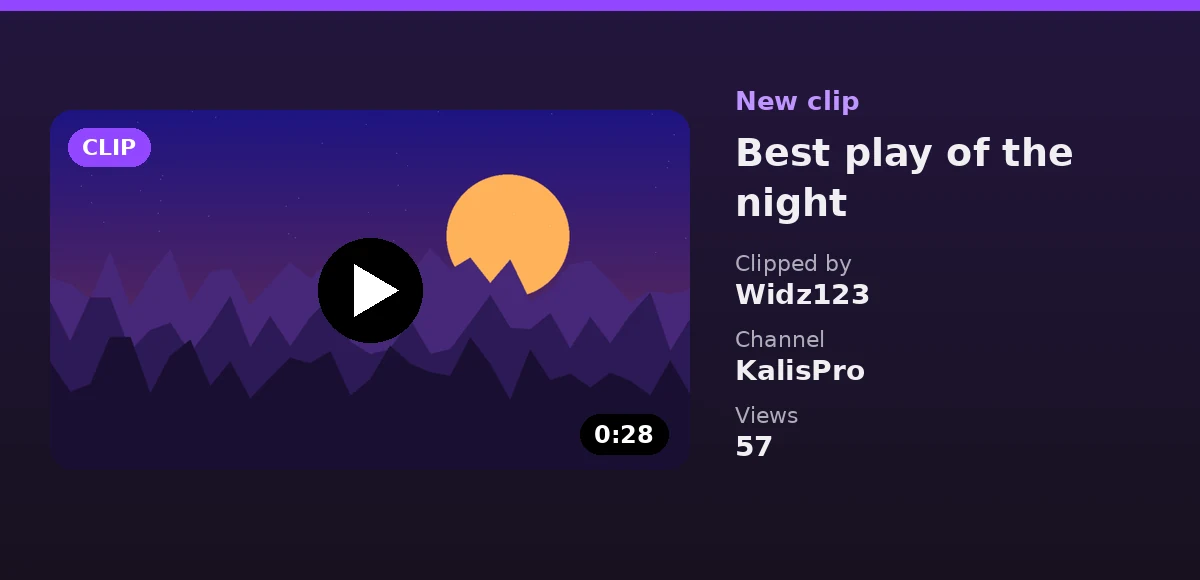
Watch the alert turn into a summary when the stream ends, then a new clip arrives.
In the dashboard
What it can do
- A live graphicYour avatar, a frame from the stream, the title and the category, with a ▶ Watch on Twitch button.
- A summary after the streamThe same message turns into OFFLINE: how long it lasted, from when to when, peak and average viewers and categories.
- New clipsClips from your channel go to a channel you pick, with a ▶ Watch the clip button.
- The role you choosePing a role like @Viewers, not @everyone. Each channel can ping a different role.
- More than one streamerWatch your channel and your friends' channels, each with its own settings.
- A preview firstSee the alert with the show command before your viewers do.
How to set it up
- Add DogByteInvite the bot and log in to the dashboard with Discord.
- Add the channelIn Twitch type the name from twitch.tv, pick the alert channel and the role.
- Check/check tells you if the bot is missing a permission anywhere.
Commands
/twitch addTwitch channel, alert channel, clips and the role to ping./checkChecks the bot's permissions in the channels you set.
Questions
How fast does the alert come?
Within a minute or two of going live. The bot checks the channels on its own all the time.
Does it ping @everyone?
No. You pick the role the bot pings when the stream starts.
What if the bot can't post the graphic?
It posts a version without the graphic, and /check tells you which permission is missing.
Other features
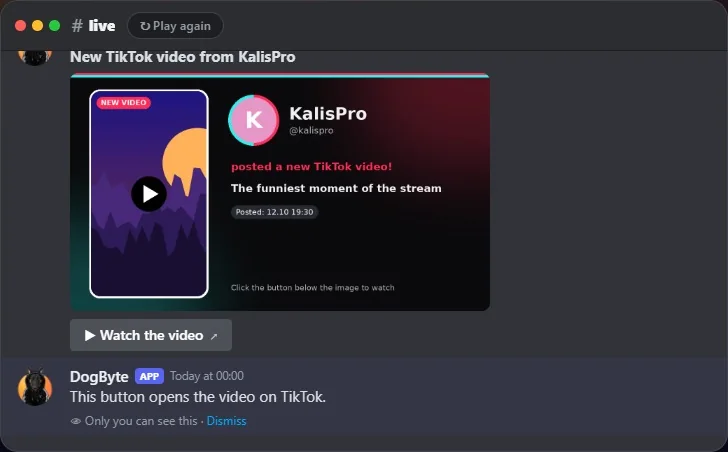 TikTokSee a TikTok LIVE alert, the summary after it and a new video post.
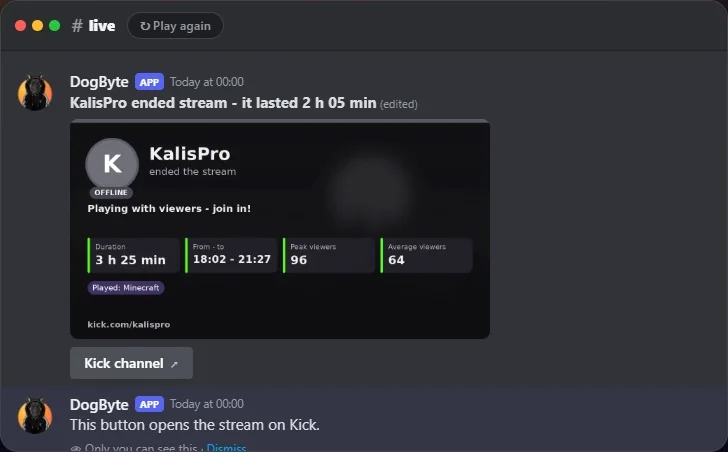 KickWatch a Kick live alert turn into a summary when the stream ends.
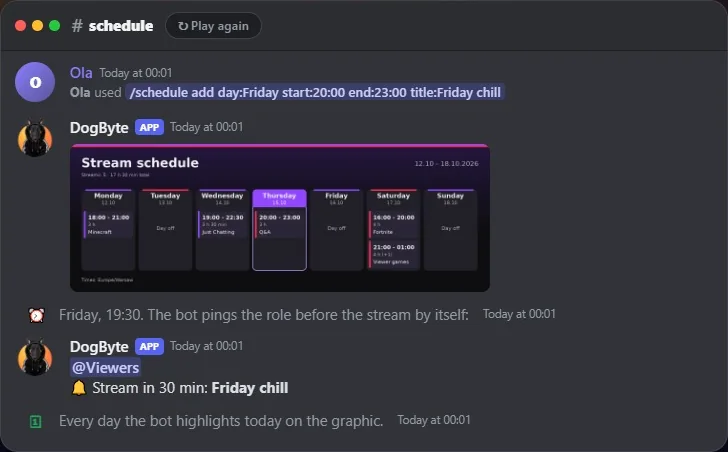 Stream scheduleAdd a stream to the plan and see the reminder before it starts.
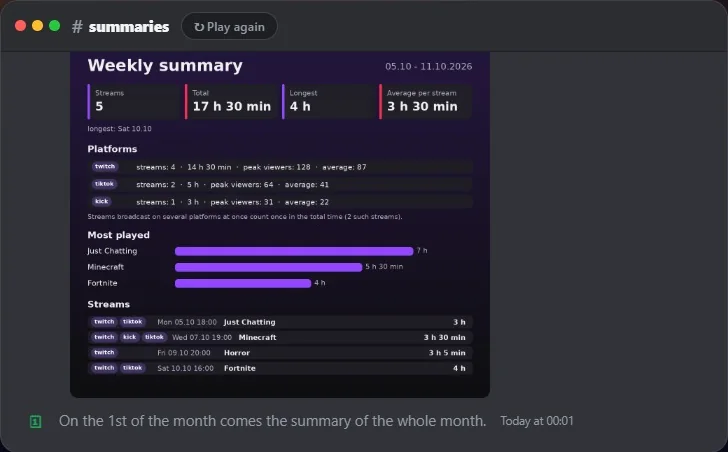 Stream summariesSee the Monday summary of last week's streams arrive by itself.
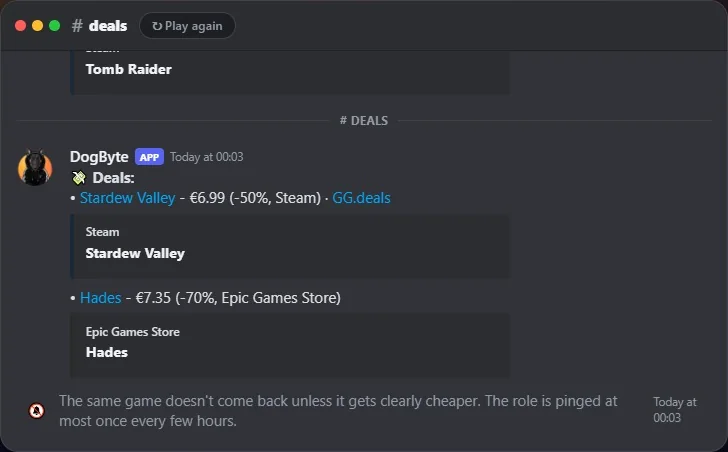 Free games and dealsSee free games and deals land in their channels, without spam.